J Cleaner: Boost & Clean Virus
Publisher Description


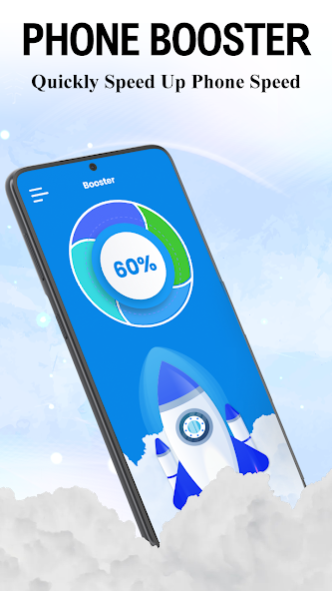
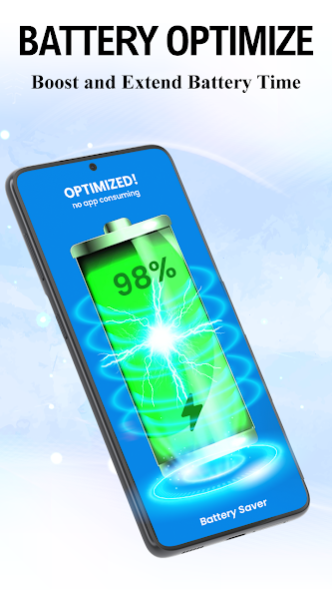
Boost phone speed and virus cleaner is here to optimize your device. Cache cleaner for android has several features that will help you to boost your device. Clean up your phone is the top priority of powerful phone cleaner and booster. You can handle your phone optimization with virus cleaner and antivirus. No problem with this smart cleaner cleaning hidden cache files. Clear cache with phone speed booster for cleaner storage space. Clean cleaner halt unnecessary apps that are running in the background to boost the processing speed using a clean phone and memory cleaner. Powerful phone cleaner and booster also contribute to clean viruses out of my phone. Quick accelerator cache cleaner is a powerful phone cleaner and booster to clean storage. Phone speed booster can free up space more than the requirement using the clean app for android. Junk cleaner is here to clean out my phone with a clean phone and memory application. Boost cleaner for android allows notifications to clean my phone. Phone speed booster is possible with an antivirus remover and cleaner. Cleaner coolers improve your phone performance with a clear cache process.
🔋
Battery Saver(Extend battery life and save power)
Phone speed booster has a battery saver and monitors all apps that drain more power than required. Smart booster optimizer hibernates the apps for battery saver purposes. Boost your phone to stop battery draining. Optimize battery for better processing speed.
🧊
CPU Cooler(Cool down your phone)
CPU cooler detects and closes apps that are likely to cause temperature rise. Cool down phone cooler saves the phone from overheating. Battery saver acts as a cool down phone cooler and decreases your android phone temperature. CPU cooler analyzes and optimizes your device.
🚀
RAM Booster(Clear the memory and boost phone)
RAM booster doesn’t allow more auto-start apps in the backend. Boost processing speed with RAM performance and release RAM features. RAM performance and release RAM provide many kinds of value-added features. RAM booster is an effective booster for your phone performance.
📱
App Manager(Manage your apps)
App manager to delete unnecessary apps to save storage space on your phone. You can control apps easily by using the app manager. App manager allows selecting multiple apps to uninstall at the same time.
🧹
Cleaner for Whatsapp Cache
Cleaner for Whatsapp cache is also a useful feature in this free up space device booster. Cleaner for Whatsapp cache cleans your previous chats and clean cache. Cleaner for Whatsapp cache free up space and clean cache.
🛠️
Manage Blur Images and Blur Photos
Blur image and blur photos could be managed with a smart booster optimizer. Dark photos and similar photos could be analyzed using a device booster. Blur image and blur photos can be marked to delete dark photos and similar photos. Compress photos with the help of a clean phone and memory application. Compress photos with this free up space tool.
About J Cleaner: Boost & Clean Virus
The company that develops J Cleaner: Boost & Clean Virus is Kazmi Apps Studio. The latest version released by its developer is 1.0 .
To install J Cleaner: Boost & Clean Virus on your Android device, just click the green Continue To App button above to start the installation process. The app is listed on our website since 2023-01-17 and was downloaded 12 times. We have already checked if the download link is safe, however for your own protection we recommend that you scan the downloaded app with your antivirus. Your antivirus may detect the J Cleaner: Boost & Clean Virus as malware as malware if the download link to phonebooster.junkcleaner.cleanupspace.cache.cleanmaster is broken.
How to install J Cleaner: Boost & Clean Virus on your Android device:
- Click on the Continue To App button on our website. This will redirect you to Google Play.
- Once the J Cleaner: Boost & Clean Virus is shown in the Google Play listing of your Android device, you can start its download and installation. Tap on the Install button located below the search bar and to the right of the app icon.
- A pop-up window with the permissions required by J Cleaner: Boost & Clean Virus will be shown. Click on Accept to continue the process.
- J Cleaner: Boost & Clean Virus will be downloaded onto your device, displaying a progress. Once the download completes, the installation will start and you'll get a notification after the installation is finished.
